scroll:bit MicroPython Learning Cards
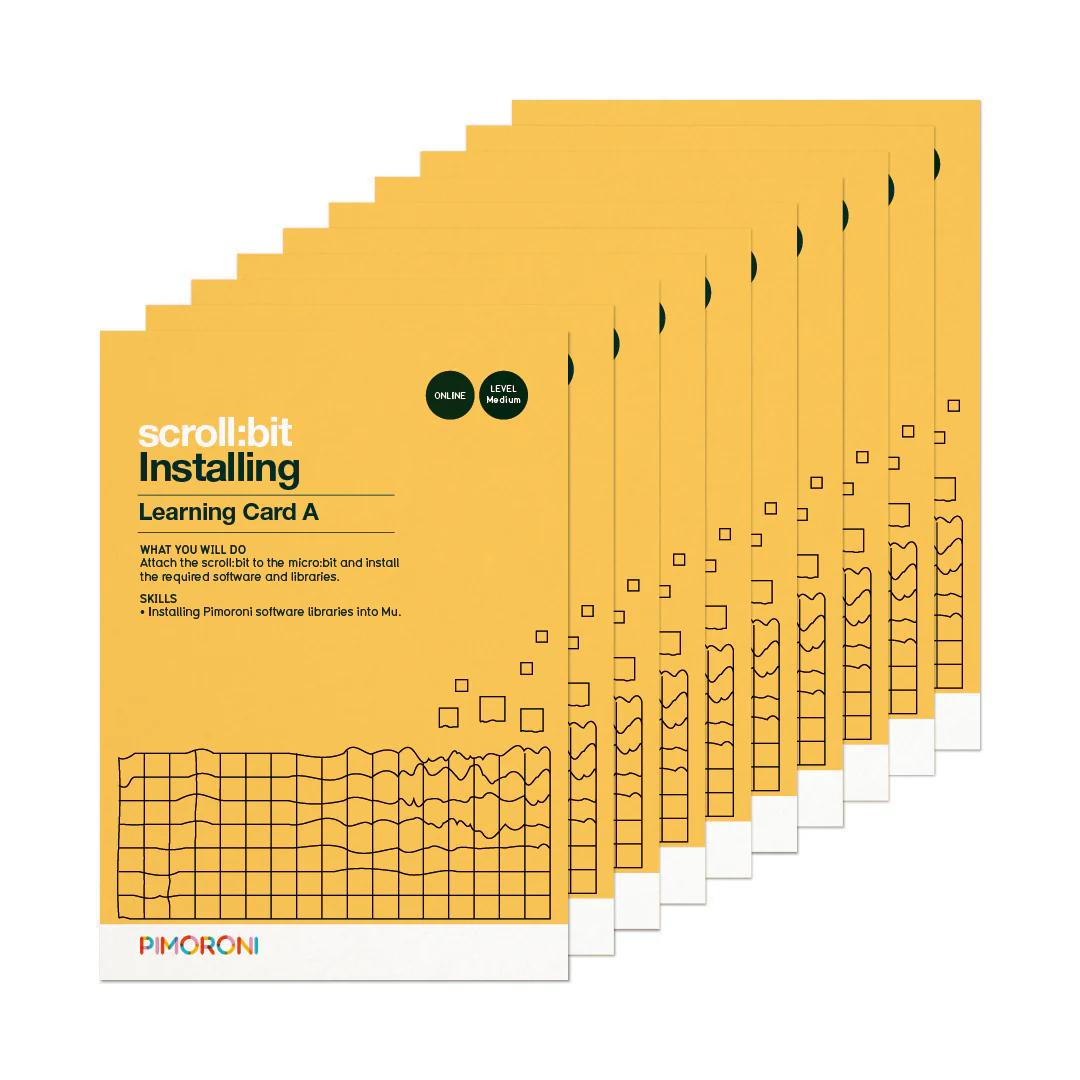
This beautifully-designed set of learning cards for scroll:bit covers setting up your scroll:bit and micro:bit, and learning the MicroPython programming language with a series of activities.
The activities fit into Key Stages 2 to 4 of the curriculum, and cover a range of areas and concepts in computer science, using the MicroPython programming language, as well as creative tasks. The aim is for these cards to encourage self-guided learning, and they're ideal for code clubs, or summer holiday projects for your children.
Ten learning cards guide you through how to set up your scroll:bit, using the built-in functions like scrolling text and icons, and using the scroll:bit with the micro:bit's sensors. They build in difficulty from easy to more difficult concepts.
The activities are supported by video guides on our YouTube channel.
The cards cover:
- Installing software libraries using Mu
- Function references
- Scrolling text strings
- while True loops
- Taking sensor readings
- Displaying sensor readings
- Using grid coordinates
- Creating and using variables
- Using random number functions
- Calibrating a compass
- For loops
- Creating and retrieving information from lists
- Using accelerometer data
Note that you'll need a micro:bit and scroll:bit to use these cards. They are not included with this pack.
Original: $5.50
-70%$5.50
$1.65More Images


scroll:bit MicroPython Learning Cards
This beautifully-designed set of learning cards for scroll:bit covers setting up your scroll:bit and micro:bit, and learning the MicroPython programming language with a series of activities.
The activities fit into Key Stages 2 to 4 of the curriculum, and cover a range of areas and concepts in computer science, using the MicroPython programming language, as well as creative tasks. The aim is for these cards to encourage self-guided learning, and they're ideal for code clubs, or summer holiday projects for your children.
Ten learning cards guide you through how to set up your scroll:bit, using the built-in functions like scrolling text and icons, and using the scroll:bit with the micro:bit's sensors. They build in difficulty from easy to more difficult concepts.
The activities are supported by video guides on our YouTube channel.
The cards cover:
- Installing software libraries using Mu
- Function references
- Scrolling text strings
- while True loops
- Taking sensor readings
- Displaying sensor readings
- Using grid coordinates
- Creating and using variables
- Using random number functions
- Calibrating a compass
- For loops
- Creating and retrieving information from lists
- Using accelerometer data
Note that you'll need a micro:bit and scroll:bit to use these cards. They are not included with this pack.
Product Information
Product Information
Shipping & Returns
Shipping & Returns
Description
This beautifully-designed set of learning cards for scroll:bit covers setting up your scroll:bit and micro:bit, and learning the MicroPython programming language with a series of activities.
The activities fit into Key Stages 2 to 4 of the curriculum, and cover a range of areas and concepts in computer science, using the MicroPython programming language, as well as creative tasks. The aim is for these cards to encourage self-guided learning, and they're ideal for code clubs, or summer holiday projects for your children.
Ten learning cards guide you through how to set up your scroll:bit, using the built-in functions like scrolling text and icons, and using the scroll:bit with the micro:bit's sensors. They build in difficulty from easy to more difficult concepts.
The activities are supported by video guides on our YouTube channel.
The cards cover:
- Installing software libraries using Mu
- Function references
- Scrolling text strings
- while True loops
- Taking sensor readings
- Displaying sensor readings
- Using grid coordinates
- Creating and using variables
- Using random number functions
- Calibrating a compass
- For loops
- Creating and retrieving information from lists
- Using accelerometer data
Note that you'll need a micro:bit and scroll:bit to use these cards. They are not included with this pack.